How to Flatten a List of Lists in Python: A Complete Guide
Introduction to Flattening Lists in Python
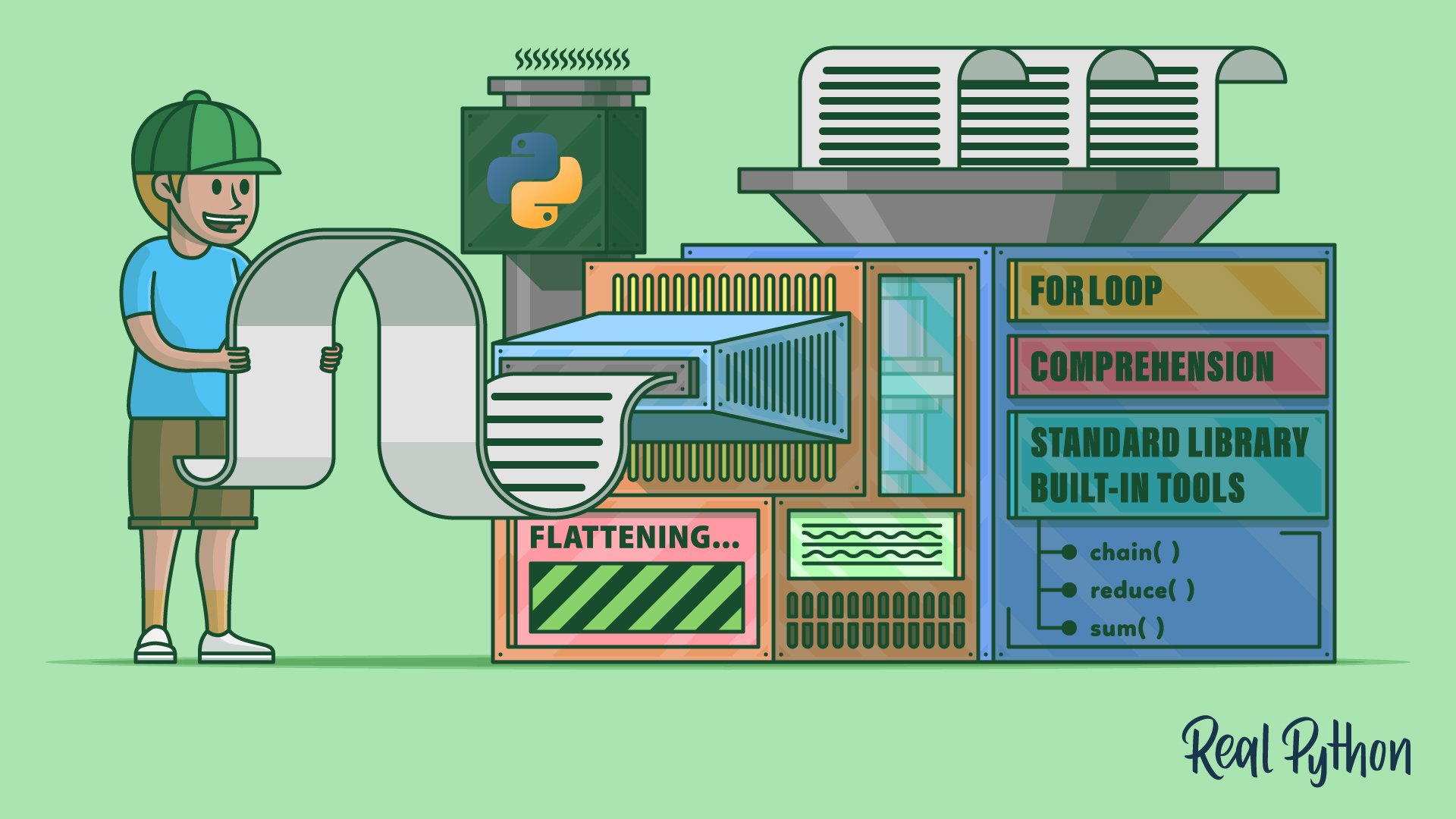
Working with nested lists is common in Python, especially when dealing with data structures like matrices, JSON data, or any hierarchical collection. Flattening a list means converting a multi-dimensional list (e.g., a list of lists) into a single, one-dimensional list. This operation often simplifies data processing, iteration, and analysis. In this guide, you'll explore various techniques to flatten lists, from simple one-liners to robust solutions for deeply nested structures. Understanding these methods will not only improve your coding efficiency but also deepen your grasp of Python's built-in features and the standard library.
Methods for Flattening Lists
Python offers multiple ways to flatten lists, each suited to different scenarios. Below, we cover the most popular and effective approaches.
Using List Comprehension
List comprehension is one of the most Pythonic and readable ways to flatten a list of lists. It works well when you have a fixed, relatively shallow nesting depth. The basic pattern is:
flattened = [item for sublist in nested_list for item in sublist]This loops over each sublist, then over each item within that sublist, collecting all items into a new list. It’s efficient and concise, making it a go-to choice for many developers. However, it only handles one level of nesting; deeper structures require more advanced techniques.
Using itertools.chain
The itertools module provides chain(), which is perfect for flattening without creating intermediate lists. The syntax is straightforward:
from itertools import chain
flattened = list(chain.from_iterable(nested_list))
chain.from_iterable() lazily consumes each sublist and yields its elements, making it memory-friendly for large datasets. Unlike list comprehension, it does not require a separate loop construct and can be more performant when dealing with many sublists.
Using the sum() Function
Another concise one-liner uses sum() with a starting value of an empty list:
flattened = sum(nested_list, [])Surprisingly, this works because sum() iterates over the outer list and concatenates each inner list. However, this method is inefficient for large lists because it creates many intermediate lists (quadratic time complexity). It's best reserved for small, one-off flattening tasks or educational demonstrations.
Using Nested Loops (Manual Approach)
For complete control and clarity, a simple nested for loop is effective:
flattened = []
for sublist in nested_list:
    for item in sublist:
        flattened.append(item)
While more verbose, this approach is easy to understand and modify—for example, to apply conditionals or transformations during the flattening process. It also works seamlessly with any iterable, not just lists.
Handling Arbitrary Nesting with Recursion
When you have deeply nested lists with varying depths (e.g., [1, [2, [3, 4]]]), recursion is the way to go. A recursive function traverses the structure and flattens all levels:
def flatten_deep(nested):
    result = []
    for element in nested:
        if isinstance(element, list):
            result.extend(flatten_deep(element))
        else:
            result.append(element)
    return result
This method handles any depth of nesting by recursively processing sublists. It's a powerful tool in your toolbox, but be mindful of Python’s recursion limit for extremely deep lists. For production code, consider iterative alternatives like using a stack.

Practical Examples and Use Cases
Flattening is often required when converting data from APIs, processing CSV rows, or manipulating matrices. For instance, if you have a list of rows from a spreadsheet where each row is a list of values, flattening gives you a single list of all cells:
rows = [[1, 2], [3, 4], [5, 6]]
cells = [cell for row in rows for cell in row]  # [1, 2, 3, 4, 5, 6]
Another common scenario is preparing data for machine learning models that expect a flat feature vector. Choose the flattening method that balances readability, performance, and depth requirements.
Tips and Common Pitfalls
- Memory usage: For large lists, prefer
itertools.chainor list comprehension oversum()to avoid excessive memory consumption. - Type checking: When using recursion, consider converting strings or other iterables to avoid breaking flattening logic.
- Depth control: If you only need to flatten a fixed number of levels, combine
itertools.chainwith a loop or use a while loop withsum()(with caution). - Readability: For collaborative projects, explicit nested loops or well-documented list comprehensions are often preferred over obscure one-liners.
Conclusion
Flattening a list of lists is a fundamental Python skill that appears in data cleaning, functional programming, and everyday scripting. By mastering the techniques covered here—list comprehension, itertools.chain, sum(), nested loops, and recursion—you'll be equipped to handle any flattening task efficiently. Experiment with these methods on your own data to see which fits your workflow best. For more Python tips and tricks, check out our Python Tricks newsletter, which delivers short, insightful tips to your inbox every few days.
Related Articles
- Go 1.26 Launches Revamped 'go fix' to Automate Code Modernization
- Configuration Safety at Scale: How Meta Protects Deployments
- Mastering Configuration Rollouts: How Meta Ensures Safety at Scale
- NVIDIA Nemotron 3 Nano Omni: Unifying Vision, Audio, and Language for Smarter AI Agents
- Inside the Python Security Response Team: Governance, Growth, and How to Get Involved
- How to Use the Go 1.25 Flight Recorder for Debugging Latency Issues
- Python 3.15 Alpha 2 Unleashes Statistical Profiler and UTF-8 Default
- Unlocking Developer Productivity: 7 Key Insights into Structured Prompt-Driven Development (SPDD)