Fortifying Your System: How Debian's Latest Release Blocks Tampered Binaries – A Step-by-Step Guide
Overview
Open-source software is often seen as inherently trustworthy, but even code reviewed by thousands can be compromised through supply-chain attacks. Hackers may inject malicious binaries that appear identical to legitimate files, bypassing casual scrutiny. Debian's upcoming release tackles this head-on with enhanced binary verification mechanisms. This guide explains the new protections and walks you through practical steps to ensure every package you install is authentic and untampered.
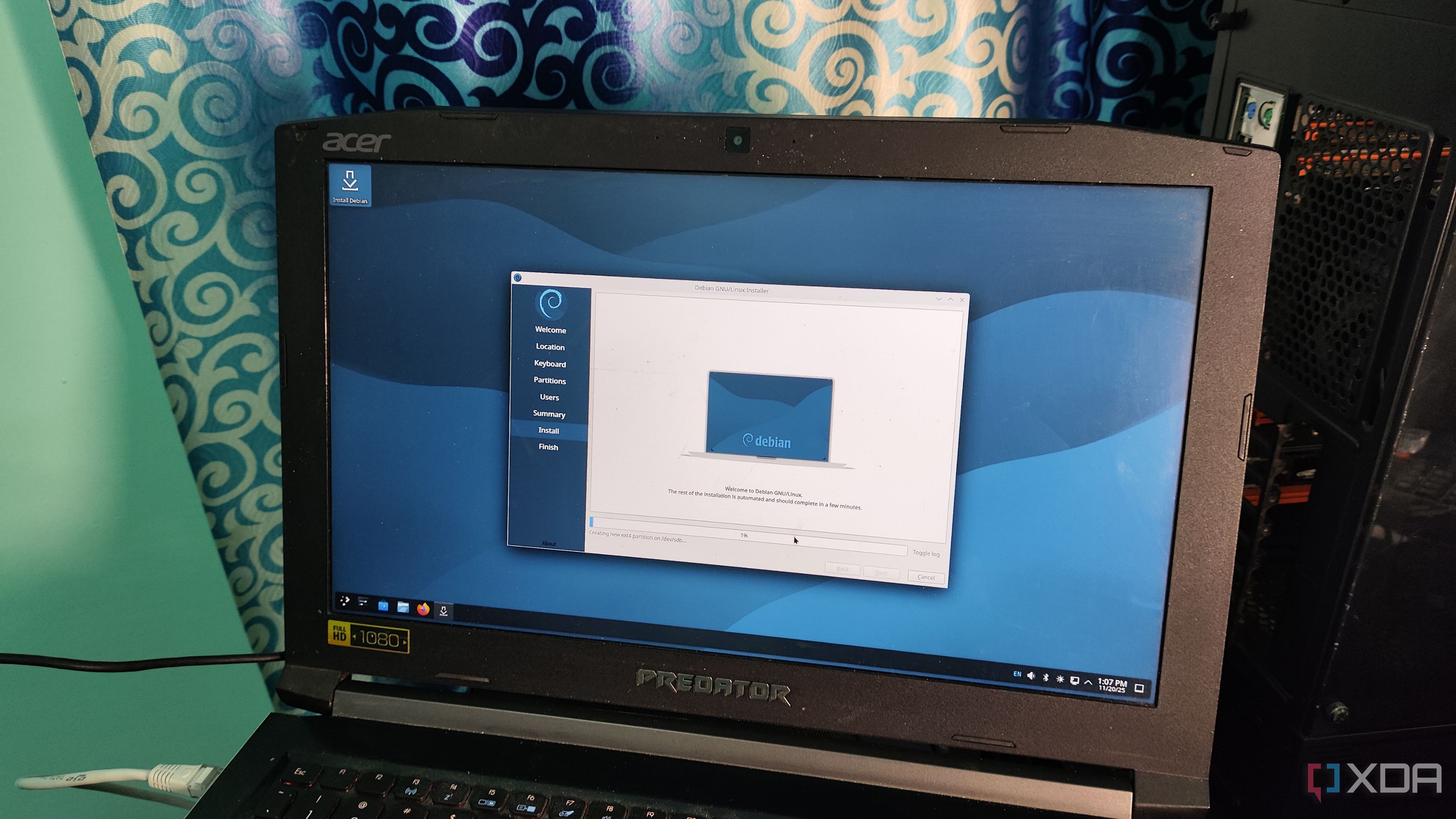
By the end, you'll understand how Debian's combination of signed repositories, reproducible builds, and buildinfo files makes it nearly impossible for tampered binaries to sneak onto your PC. You'll also learn how to manually verify packages and avoid common pitfalls.
Prerequisites
Before you begin, ensure you have:
- A Debian system running the latest stable release (or the beta/RC of the upcoming version that includes these features).
- Basic familiarity with the terminal and
aptpackage management commands. dpkg-devanddebsumsinstalled:sudo apt install dpkg-dev debsums- Internet access to download packages and their associated signatures/checksums.
Step-by-Step Instructions
1. Understanding the Threat: What Are Tampered Binaries?
A tampered binary is a precompiled executable that has been altered by an attacker after the original build. Even if the source code is clean, the binary may contain hidden malicious routines—backdoors, data exfiltration, or privilege escalation—while its checksum may be recalculated to match the legitimate version. Debian's new defenses ensure that the binary you download is exactly what the developers released.
2. Verifying Repository Authenticity
Debian's APT system uses signed Release files. The first line of defense is ensuring your sources.list points only to official mirrors. To check:
- List your sources:
cat /etc/apt/sources.list /etc/apt/sources.list.d/*.list - Verify the
Release.gpgsignature:gpg --verify /var/lib/apt/lists/deb.debian.org_debian_dists_bookworm_Release.gpg /var/lib/apt/lists/deb.debian.org_debian_dists_bookworm_Release - Check that the key used is from Debian's official signing key:
gpg --list-keys– it should showDebian Archive Automatic Signing Key.
If verification fails, stop and reconfigure your sources.
3. Verifying Individual Package Integrity
Each Debian package (.deb) is cryptographically signed. Use dpkg-sig to inspect:
dpkg-sig --verify /path/to/package.debFor installed packages, run debsums to compare checksums against the official database:
debsums -cThe -c flag checks only changed files. Any output indicates a mismatch.
4. Leveraging Reproducible Builds
Debian's new release embraces reproducible builds: every binary can be rebuilt from source to produce an identical hash. To verify a specific package:
- Install build dependencies:
sudo apt build-dep package - Download the source:
apt source package - Rebuild:
cd package-* && dpkg-buildpackage -us -uc - Compare the resulting
.debhash:sha256sum ../package_*.debvs. the repository's one (fromReleasefile).
If they match, the binary is untampered. Note that this requires the same environment; official buildinfo files help.
5. Using .buildinfo Files for Cross-Reference
Debian now publishes .buildinfo files for each binary package. These contain the exact build environment and expected hashes. To fetch and verify:
apt download package=.deb buildinfo
cat *.buildinfo | grep '^Hash: SHA256' | head -1
Then compare with the package's actual hash: sha256sum package*.deb. A mismatch indicates tampering.
6. Automating Verification with a Script
For regular checks, create a simple script (verify-deb.sh):
#!/bin/bash
for deb in *.deb; do
  hash=$(sha256sum "$deb" | awk '{print $1}')
  buildinfo=$(ls "${deb%.*}"*.buildinfo 2>/dev/null)
  [ -f "$buildinfo" ] && grep -q "$hash" "$buildinfo" && echo "OK: $deb" || echo "MISMATCH: $deb"
done
Run it after downloading any package.
Common Mistakes
- Using untrusted mirrors: Third-party mirrors may serve compromised files. Always use official Debian mirrors listed at
https://www.debian.org/mirror/list. - Ignoring GPG key expiry: Revoked or expired keys break verification. Update your keyring regularly:
sudo apt-key adv --keyserver keyserver.ubuntu.com --refresh-keys. - Skipping
debsumson updated packages: After anapt upgrade, rundebsums -cto catch any changes. - Forgetting to verify build environment: Reproducible builds require identical toolchains. Use the same Debian release and packages as listed in
.buildinfo. - Assuming source code alone is safe: Even clean source can produce tampered binaries if the build process is compromised. Always verify the binary hash against the official one.
Summary
Debian's latest release significantly raises the bar against supply-chain attacks by enforcing repository signing, per-package signatures, reproducible builds, and .buildinfo verification. By following this guide—verifying repository authenticity, checking individual packages, and using reproducible builds—you can ensure that every binary on your system is exactly what Debian's developers intended. This layered approach makes it nearly impossible for tampered binaries to sneak onto your PC, giving you confidence in your open-source software's integrity.
Related Articles
- OpenAI's Cyber Restrictions: A Tale of Double Standards in AI Safety
- VECT 2.0: The Ransomware That Acts as a Data Wiper – Files Over 131KB Lost Forever
- Australian Cyber Watchdog Alerts Organizations to Vidar Stealer Malware Delivered via ClickFix Attacks
- Shielding Medical Infrastructure: A Tactical Guide to Wiper Attack Defense Inspired by the Stryker Incident
- Securing vSphere Against BRICKSTORM: Key Questions and Defensive Strategies
- How to Identify and Mitigate the Critical GitHub CVE-2026-3854 Remote Code Execution Vulnerability
- Defend Your Organization from ClickFix Attacks Spreading Vidar Stealer
- Cybersecurity Roundup: SMS Blaster Fraud, OpenEMR Vulnerabilities, and Massive Roblox Breach