Mastering Virtual Bus Driving: A Comprehensive Guide to the Best 2026 Simulators
Overview
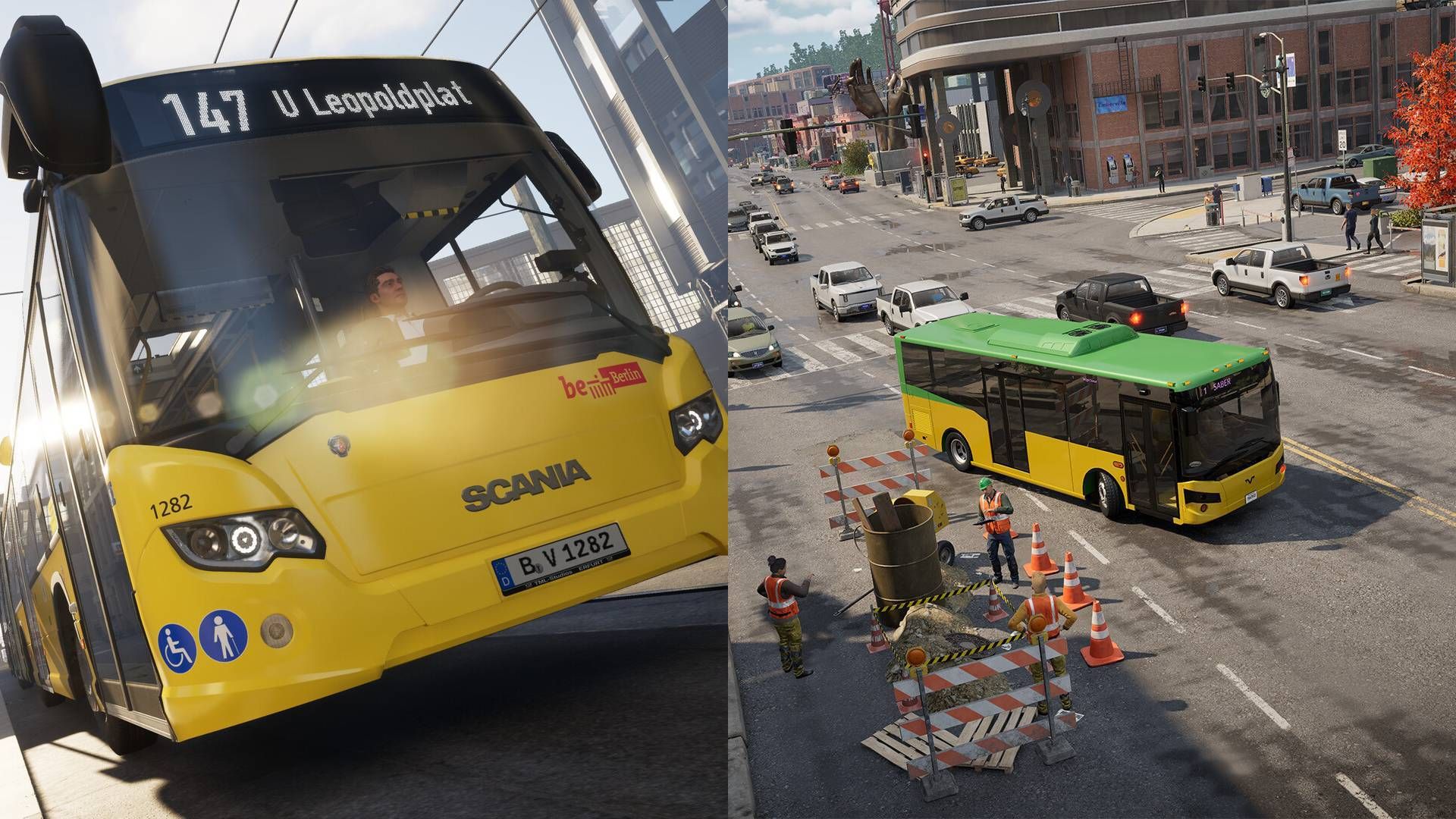
So you want to trade arcade racing for the disciplined world of virtual bus driving? Unlike the adrenaline-fueled chaos of Mario Kart, bus simulation demands patience, precision, and a respect for road rules. In 2026, two titles stand out as the gold standard: Bus Bound and The Bus. These simulators replicate the real-life challenges of operating a public transport vehicle—adhering to timetables, picking up passengers, obeying traffic laws, and navigating complex routes. This guide will help you get started, master the basics, and avoid common pitfalls, whether you're a seasoned sim enthusiast or a curious newcomer.
Prerequisites
Hardware Requirements
To run Bus Bound or The Bus smoothly, you'll need a PC with at least a mid-range GPU (NVIDIA GTX 1060 or equivalent), 8 GB RAM, and a quad-core processor. A steering wheel with force feedback is highly recommended for realism, though a controller or keyboard works. Install the latest graphics drivers and ensure at least 30 GB of free storage for each game.
Software and Mods
Both games are available on Steam. Optionally, you can install community mods (e.g., new buses, liveries, routes) from the Steam Workshop or third-party sites. Always backup your save files before modding.
Mindset
Virtual bus driving is slow-paced compared to racing games. You'll need attention to detail, patience for traffic, and a willingness to learn complex controls. If you're coming from arcade games, expect a steep learning curve.
Step-by-Step Guide
1. Choosing a Simulator
Bus Bound focuses on urban routes with dynamic weather and AI traffic. The Bus emphasizes detailed interiors and a career mode. Both feature real-time schedules. For beginners, start with The Bus for its more guided tutorials. For advanced players, Bus Bound offers deeper traffic simulation. You can buy either on Steam for around $30.
2. Installation and First Launch
After purchasing, download the game via Steam. On first launch, configure your display settings (1080p recommended, 60 FPS target) and control bindings. For a steering wheel, calibrate the force feedback to your preference. Here’s a sample settings profile for a Logitech G29:
Steering angle: 900 degrees
Force feedback gain: 70%
Damper: 50%
Dead zone: 5% (steering and pedals)
Adjust sensitivity until you can comfortably turn without oversteering.
3. Learning Basic Controls
Both simulators share common controls: ignition (Key), accelerator (W or pedal), brake (S or pedal), steering (arrow keys or wheel). Bus-specific actions include:
- Door open/close: usually mapped to 'D' or a button on the wheel.
- Indicator signals: left/right arrows or wheel paddles.
- Wiper and lights: separate keys (e.g., 'P' for parking lights).
Tip: Use the in-game control menu to rebind keys to your preference. Practice in an empty map before attempting routes.
4. Driving Routes and Passenger Management
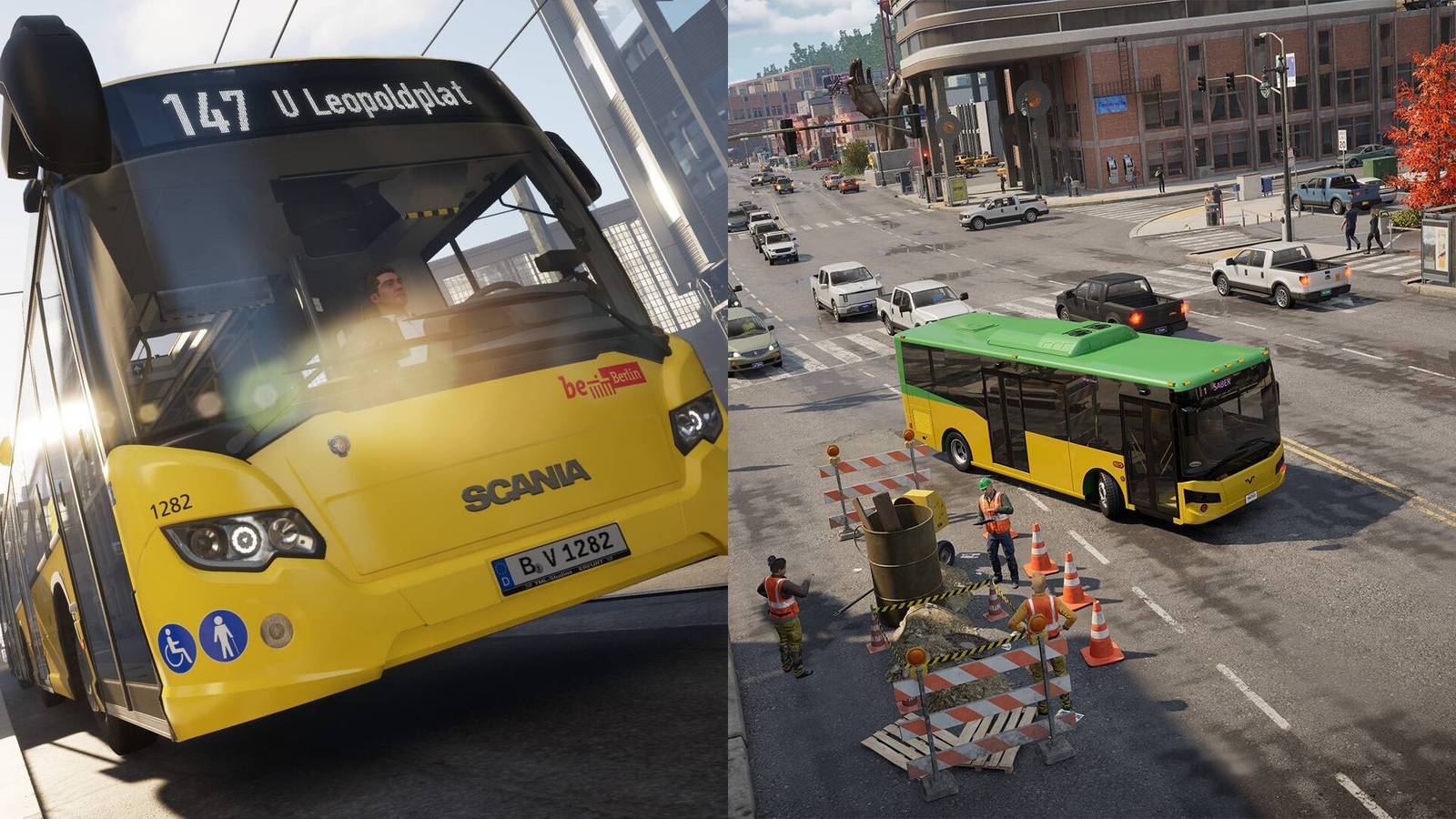
Select a route from the main menu (e.g., Route 101 in The Bus). Your objective: drive from stop A to stop B, picking up passengers waiting at marked bus stops. Approach stops slowly, stop exactly at the bus stop sign, open the door, wait for passengers to board, then close the door and proceed.
Traffic rules apply: obey speed limits, give way at intersections, and use blinkers when turning or changing lanes. Both simulators penalize you for collisions, running red lights, and missing stops.
5. Adhering to the Timetable
Every bus route has a schedule displayed in the HUD. Aim to arrive at each stop within a time window (usually ±2 minutes). If you're early, wait at the stop; if late, drive efficiently but safely. Rushing causes accidents. Use the rearview mirror to check for passengers who might want to board even if you're behind schedule.
Pro tip: In Bus Bound, you can enable a timeline overlay to see your progress against the scheduled time.
6. Advanced Tips for Mastery
- Smooth acceleration: Avoid jerky starts — gradual acceleration mimics real bus driving and improves passenger satisfaction.
- Lane discipline: Stay in the correct lane well before turns. Check blind spots with the look-around feature (mouse or head tracking).
- Weather handling: Rain reduces traction; reduce speed and increase following distance. In snow, use engine braking.
- Modding: Install a realistic traffic mod (e.g., 'Traffic Density Increase') for more challenging scenarios.
Common Mistakes to Avoid
- Ignoring speed limits: Speeding triggers fines and passenger complaints. Always obey the posted limit, especially in school zones — both simulators model this.
- Skipping stops: Even if no one is waiting, you must stop at every designated stop. Missing a stop fails the route.
- Over-relying on assists: Using automatic transmission and steering assists may hinder learning. Switch to manual for full control.
- Poor mirror usage: Forgetting to check mirrors when merging or opening doors leads to collisions with cyclists or cars.
- Mod overload: Installing too many mods can cause crashes or performance drops. Install one at a time and test.
Summary
Virtual bus driving with Bus Bound or The Bus offers a rewarding simulation of one of the world's toughest jobs. By choosing the right simulator, setting up your hardware properly, mastering controls, adhering to timetables, and avoiding common errors, you can enjoy a realistic and fulfilling experience. Start with the basics, practice daily, and soon you'll be navigating city streets like a pro.
Remember: This isn't Mario Kart. Patience and precision are your best tools.
Related Articles
- How Cloudflare's 'Code Orange: Fail Small' Project Strengthened Network Reliability
- Unlocking Apple Watch Educational Discounts: A Step-by-Step Guide for Students and Educators
- Google AI Professional Certificate: Your Path to AI Fluency on Coursera – Free for US Small Businesses
- The Backbone of Kubernetes APIs: A Deep Dive into SIG Architecture's API Governance Subproject
- Bumblebee Gender Differences: Males Outperform Females in Activity and Adaptability
- NVIDIA's Speculative Decoding Speeds Up RL Training by 1.8x at 8B Scale, with Projected 2.5x End-to-End Gain at 235B Parameters
- Mark Cuban Urges Graduates to Ditch Big Companies, Become AI Experts for Small Businesses
- How to Prepare for the AI-Driven Factory of the Future: A Step-by-Step Guide Based on Hannover Messe 2026 Innovations